Docker Container Registries in ProGet

Docker Container Registries in ProGet
ProGet can act as a private Docker Registry out of the box and migrating your Docker images over to ProGet is easy.
This article will cover the following:
ProGet as A Docker Registry
ProGet can act as a multi-package repository and container registry. In ProGet users create feeds, and you can create any number of Docker Feeds in ProGet to act as container registries. These differ from regular feeds which contain packages. A Docker feed acts as a registry that contains repositories, which in turn contain images.
Setting Up a Docker Feed in ProGet
Setting up a Docker feed in ProGet is easy and only requires setting up a single feed:
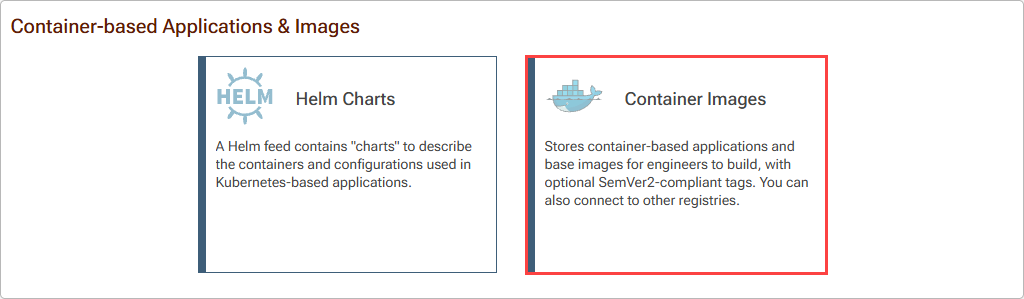
You have the option of using this as a local feed or adding a connector to other repositories, setting up your feed to act in the same way as a “remote” or “virtual” repository:

Using your Docker Feed
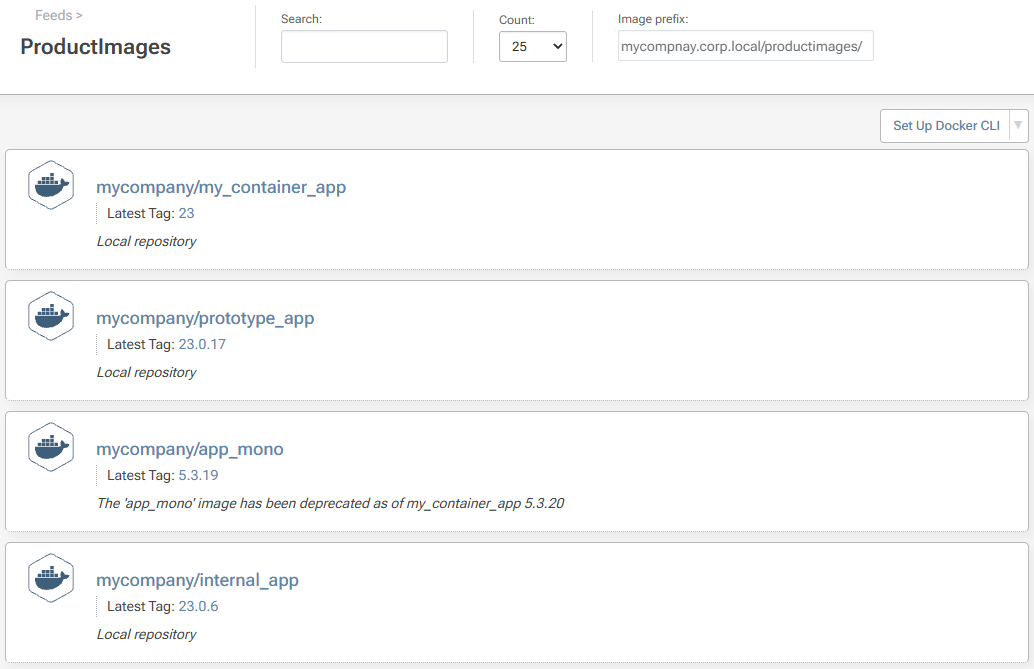
Browsing your Docker feeds is simple. From the feed, you can browse your Docker repositories:
Inside these repositories, you can browse your Docker images:
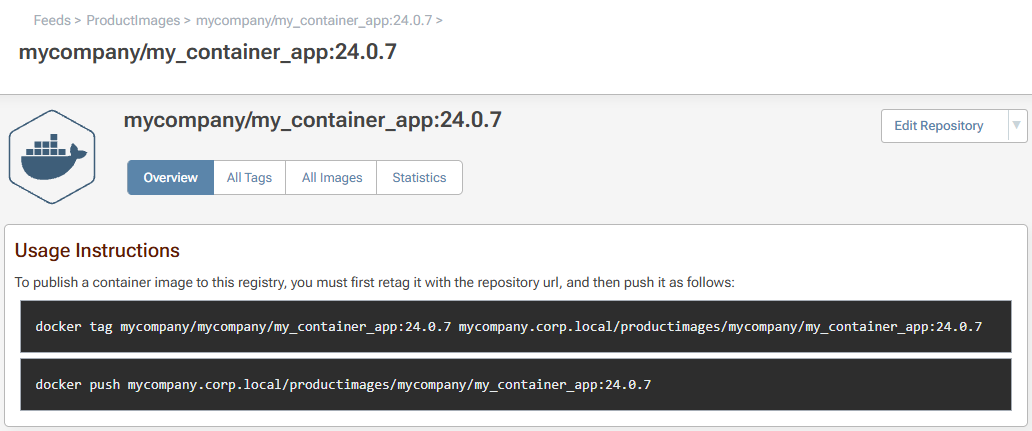
Docker Feeds in ProGet also support other key features:
- Pushing, pulling, searching, and listing images
- Delete and clean up tags and repositories
- View Docker build information, packages, vulnerabilities, layers, commands, etc.
Setting Up Docker Image Promotion
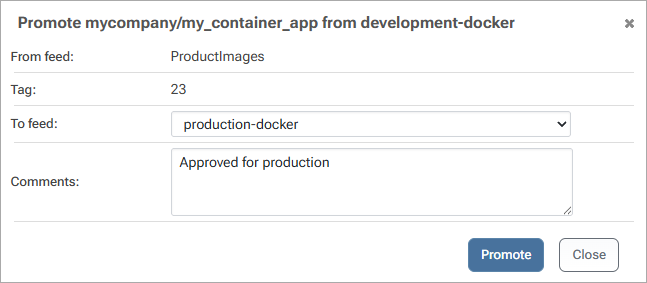
ProGet can be set up to promote Docker images between feeds using package promotion, moving them through stages of acceptance.
To set up Image Promotion, we’ll start with an existing Docker feed named production-docker. We’ll then set up another Docker feed we’ll call development-docker, to promote images from.
Once they’re set up, you can promote images from development-docker to production-docker:
Docker Container Version Management
ProGet can optionally enforce semantically versioned tags (such as 3.4.1). This can avoid any confusion and errors you might experience from loosely versioned tags like v6 or v6-latest. This standardized versioning cannot be changed after a release, preventing the use of incorrect container images.
ProGet also manages virtual release number tags, making sure the latest tag points to the highest version.
Conclusion
ProGet is capable of acting as a Docker container registry. Its feeds can host Docker repositories, which in turn store Docker images.
In addition to listing, pushing and pulling images, Docker Feeds can also perform Image Promotion to move images through stages of acceptance.
Once ProGet is configured to host your packages and containers, you’ll want to maintain your instance, explained in our next article, Self-Managing your ProGet Instance.